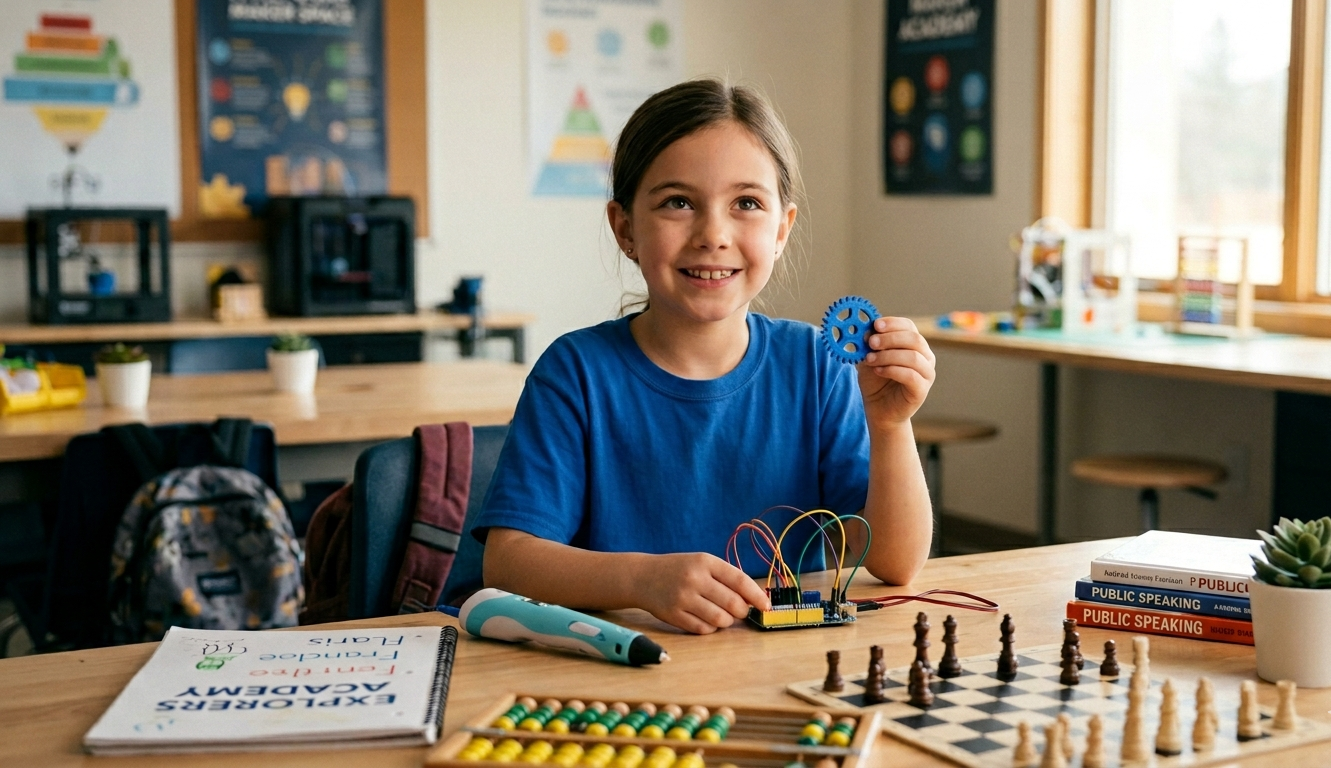
Is Coding Good for Kids? What Age to Start and What to Look For in Delta & Surrey
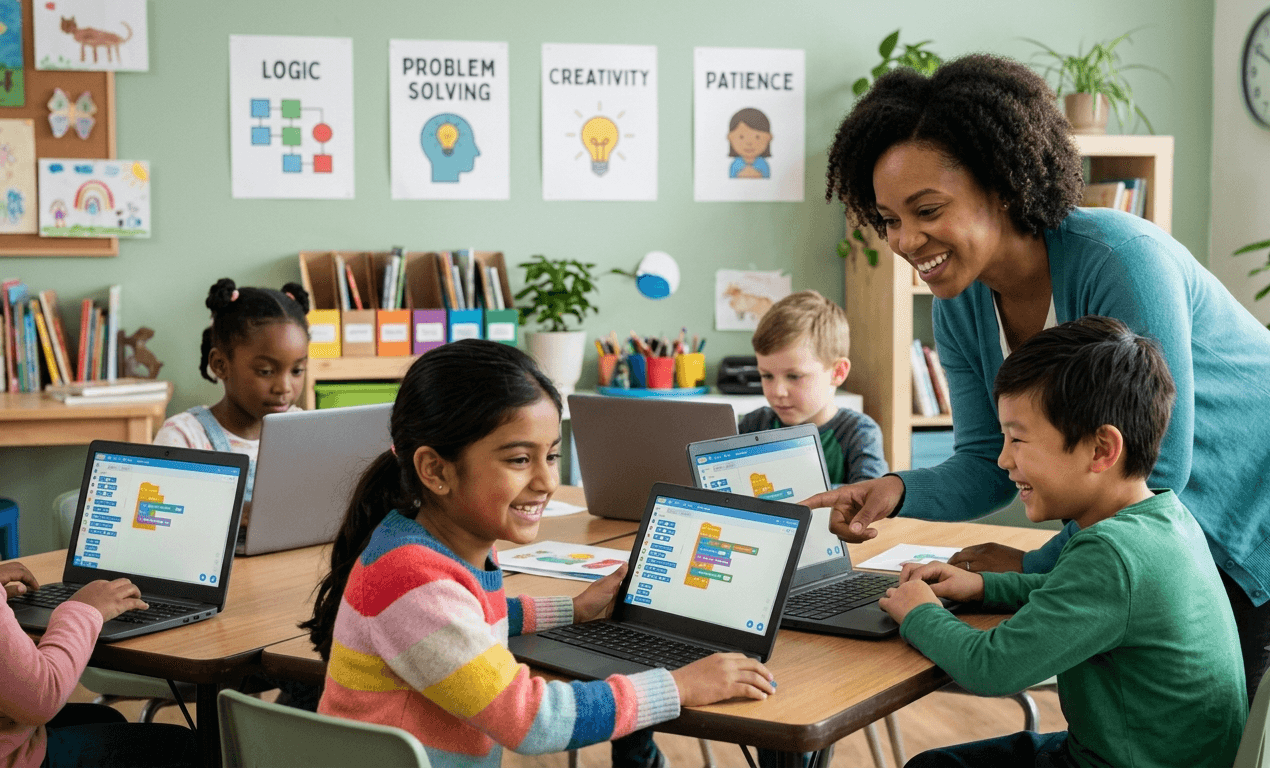
Most parents searching for coding for kids in Delta or Surrey are hoping to hear that it leads to a great career down the road. It might. But that's the weakest reason to enroll a 6-year-old and it's not why parents who see real change keep their kids coming back week after week.
Coding is good for kids because of what it does to how they think. The code itself is almost a side effect, the real thing being built is a kid who's comfortable poking at a problem until it makes sense, instead of waiting to be told the answer. That's the part we pay the most attention to when we're teaching it at The Explorer Academy: not whether a child finishes the project but whether they stayed curious enough to keep trying.
What coding actually teaches kids, beyond the code
Coding builds five transferable skills - breaking problems into steps, logical thinking, resilience with mistakes, creativity and focus that carry over into school and everyday life.
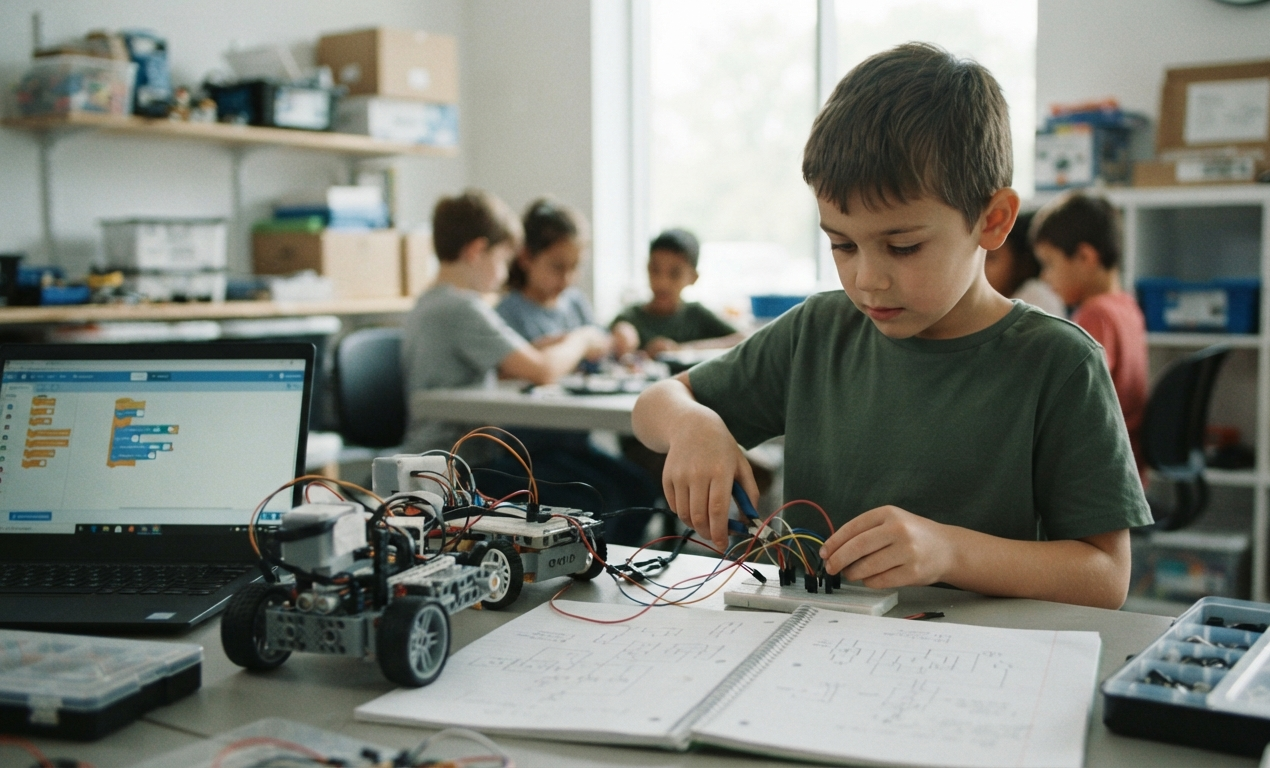
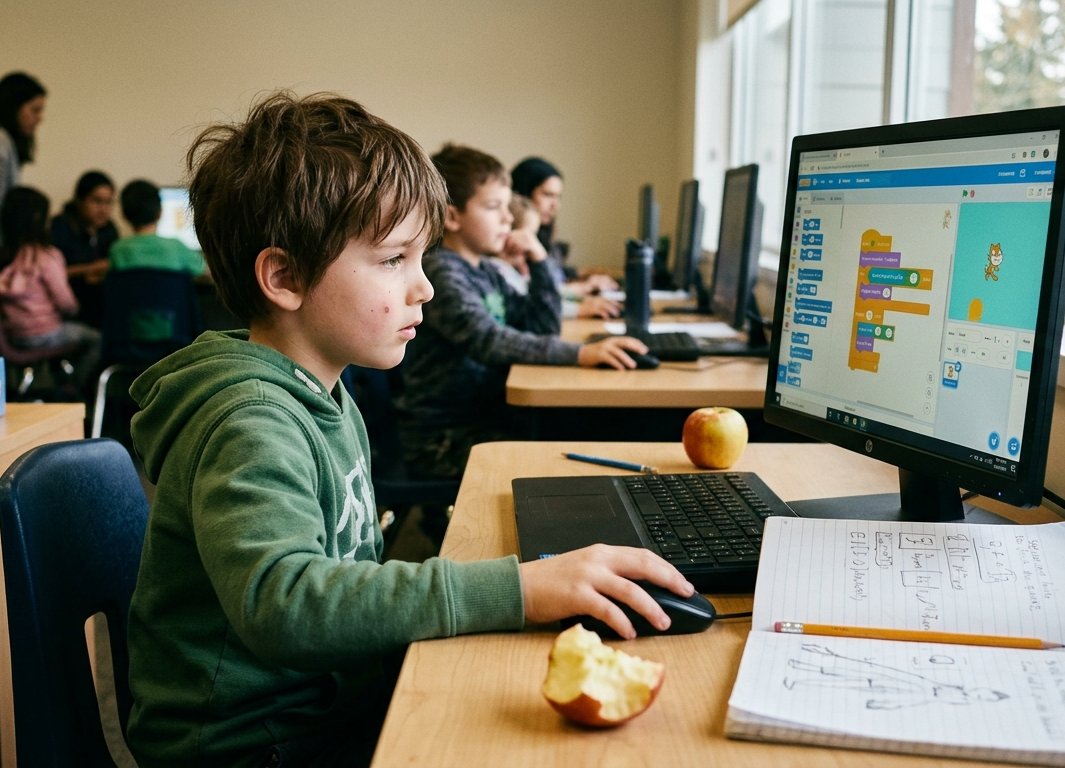
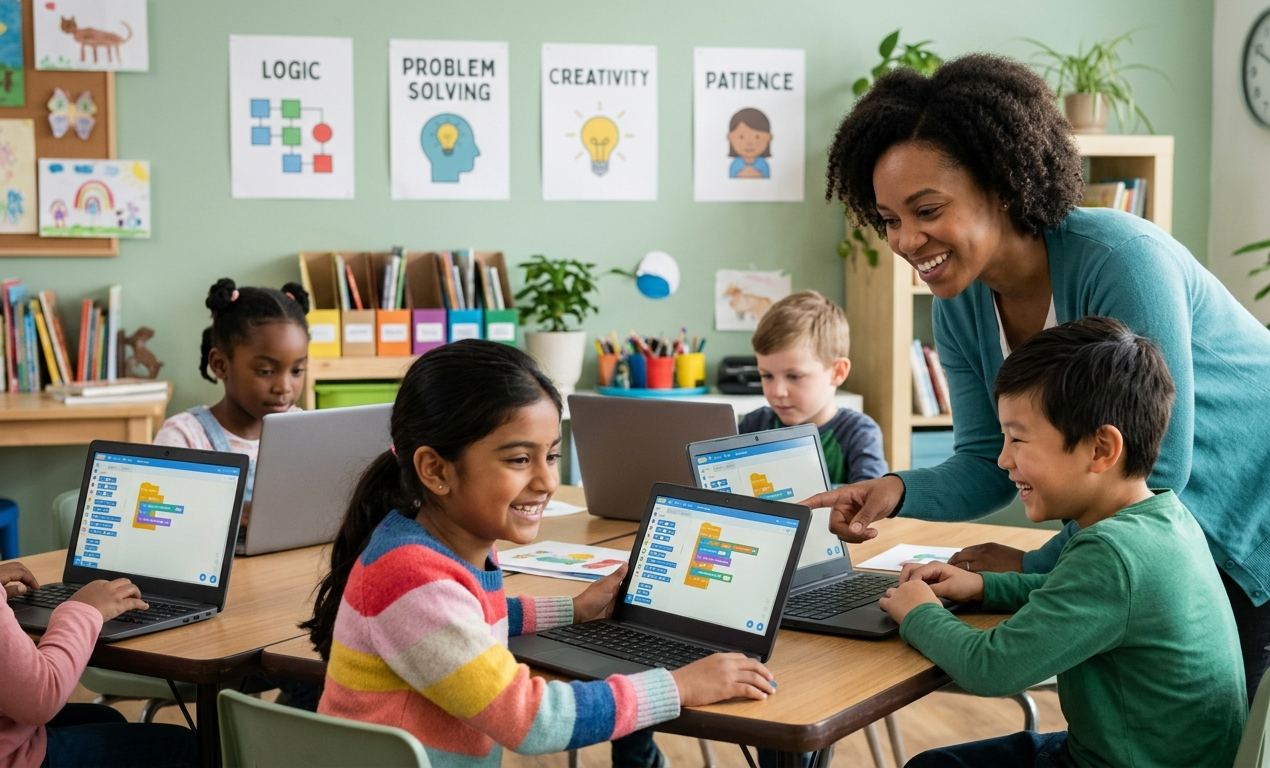
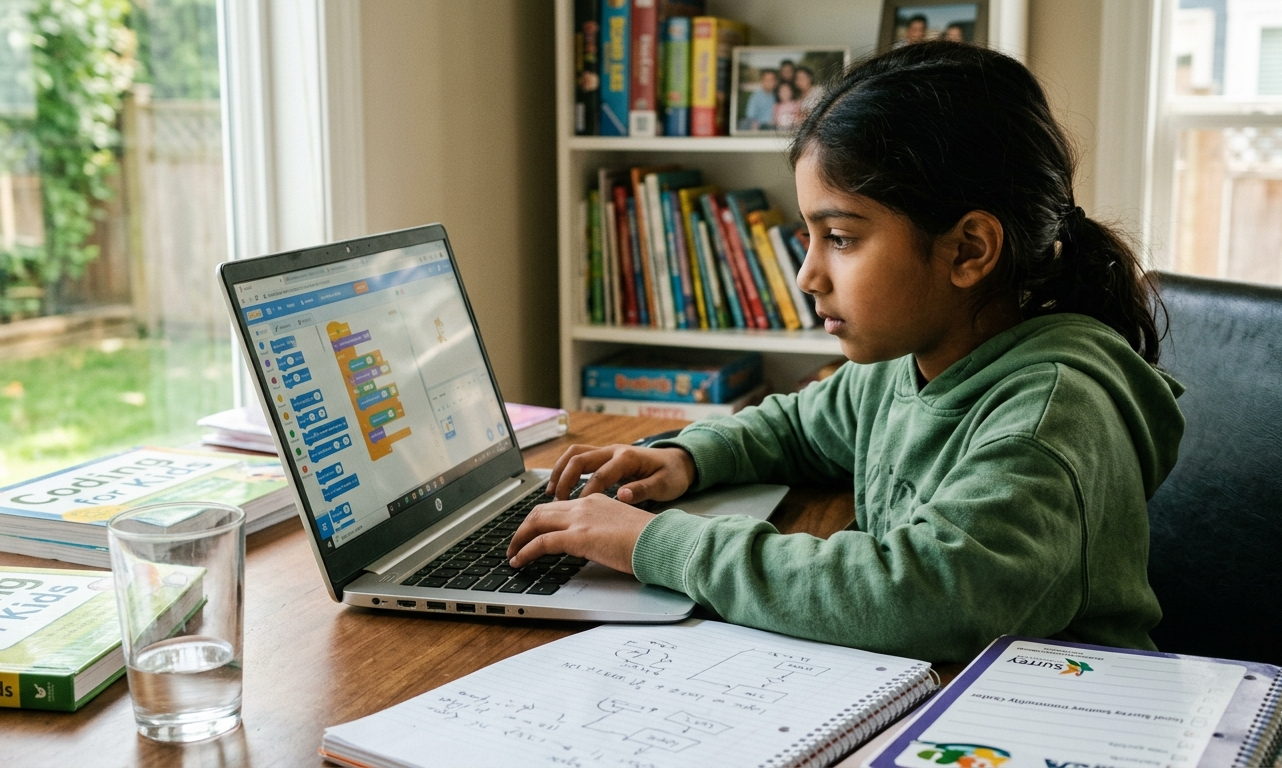
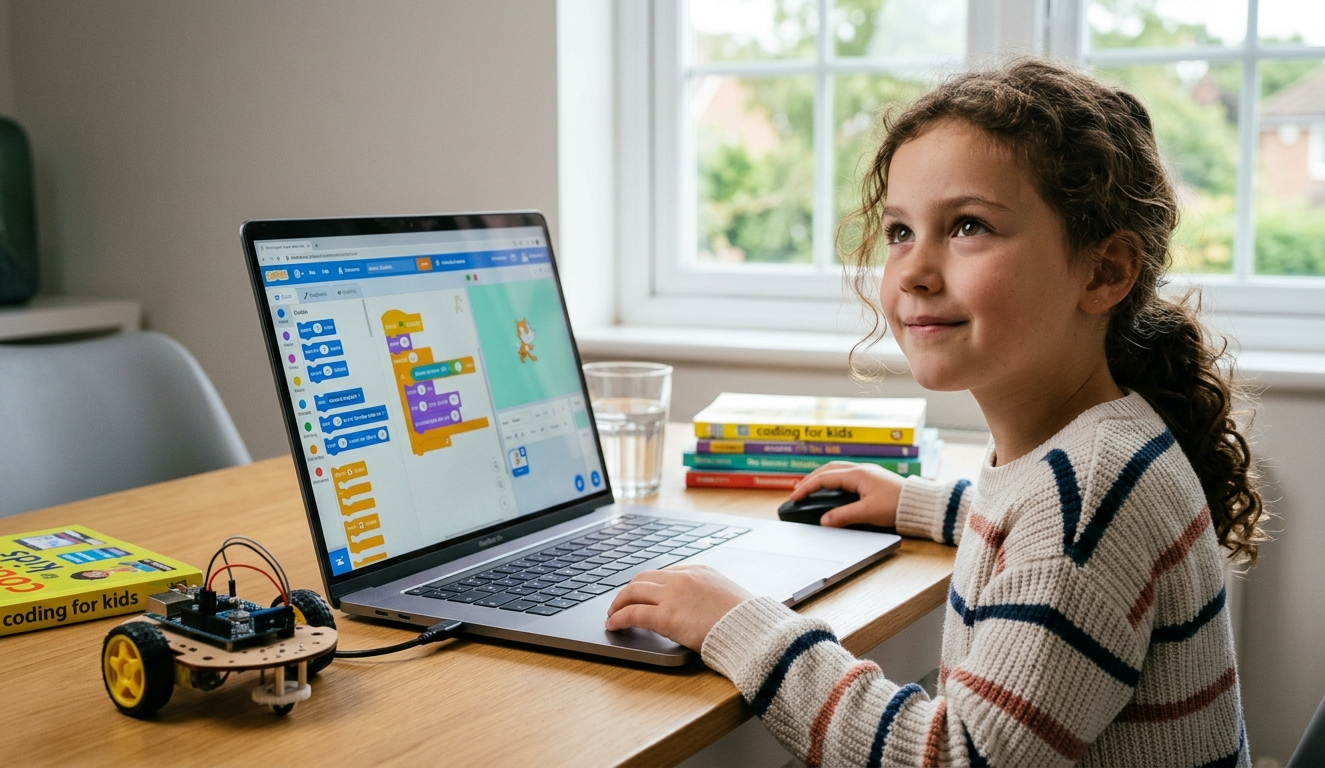
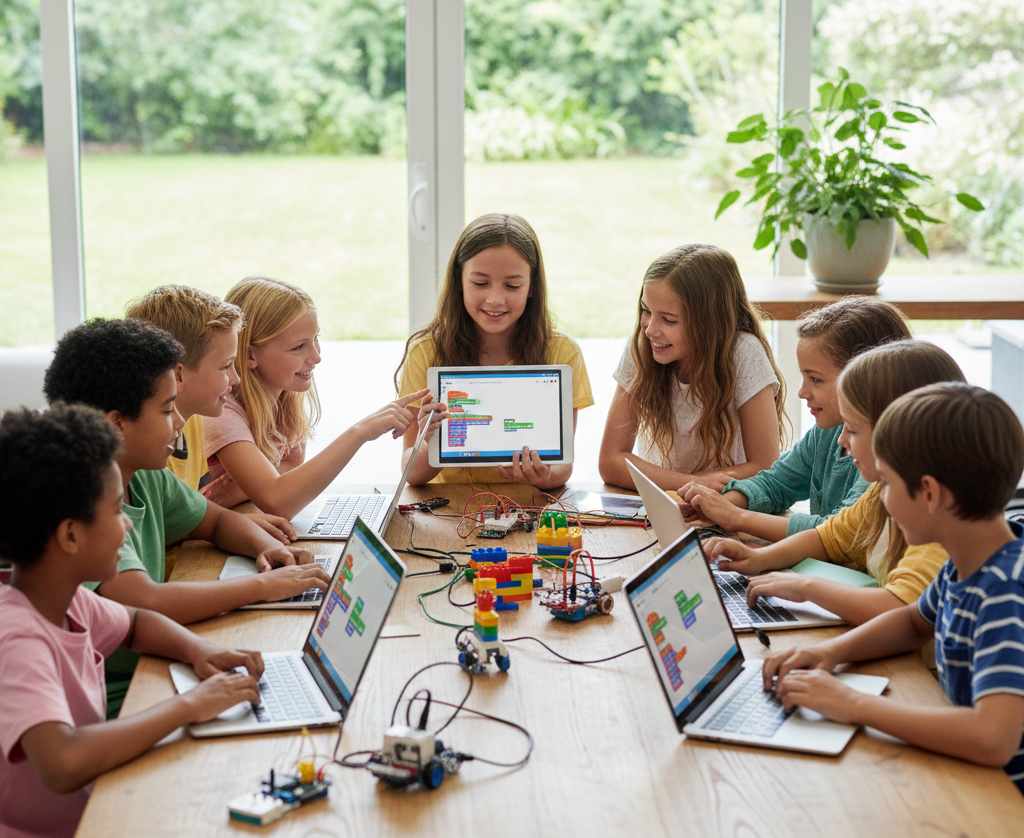
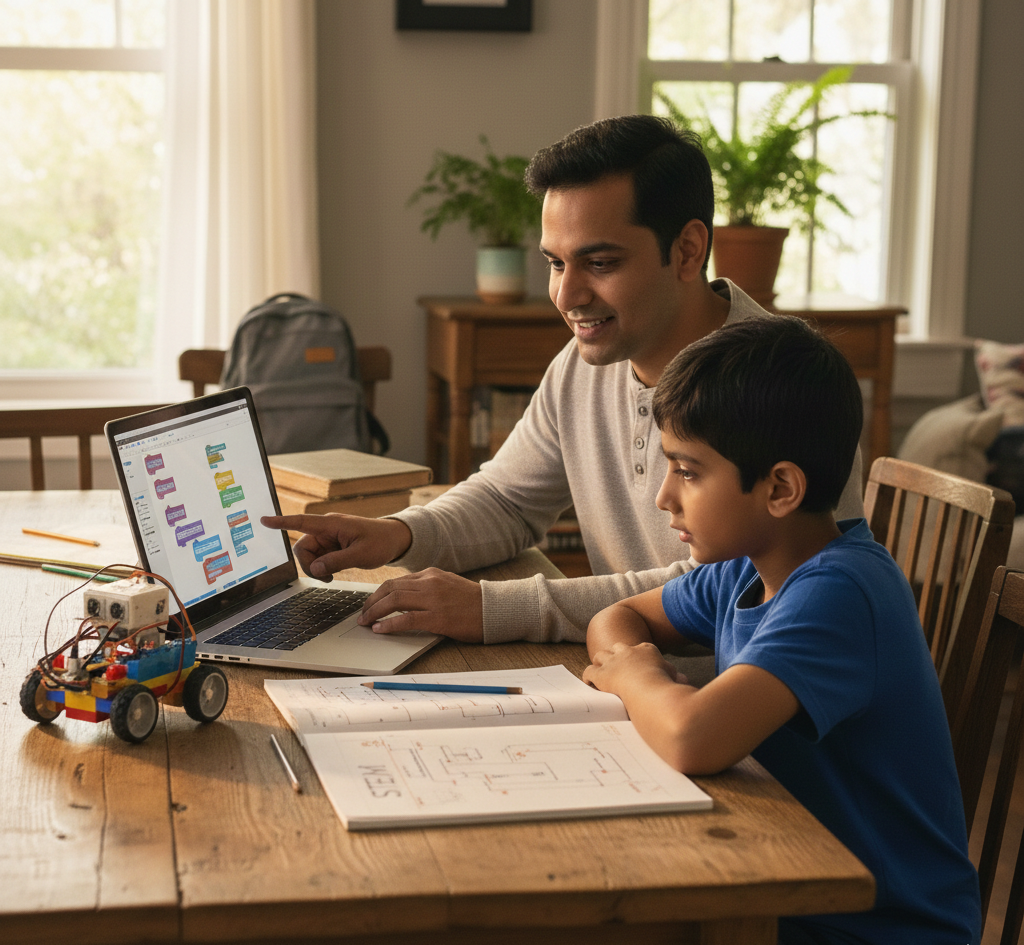
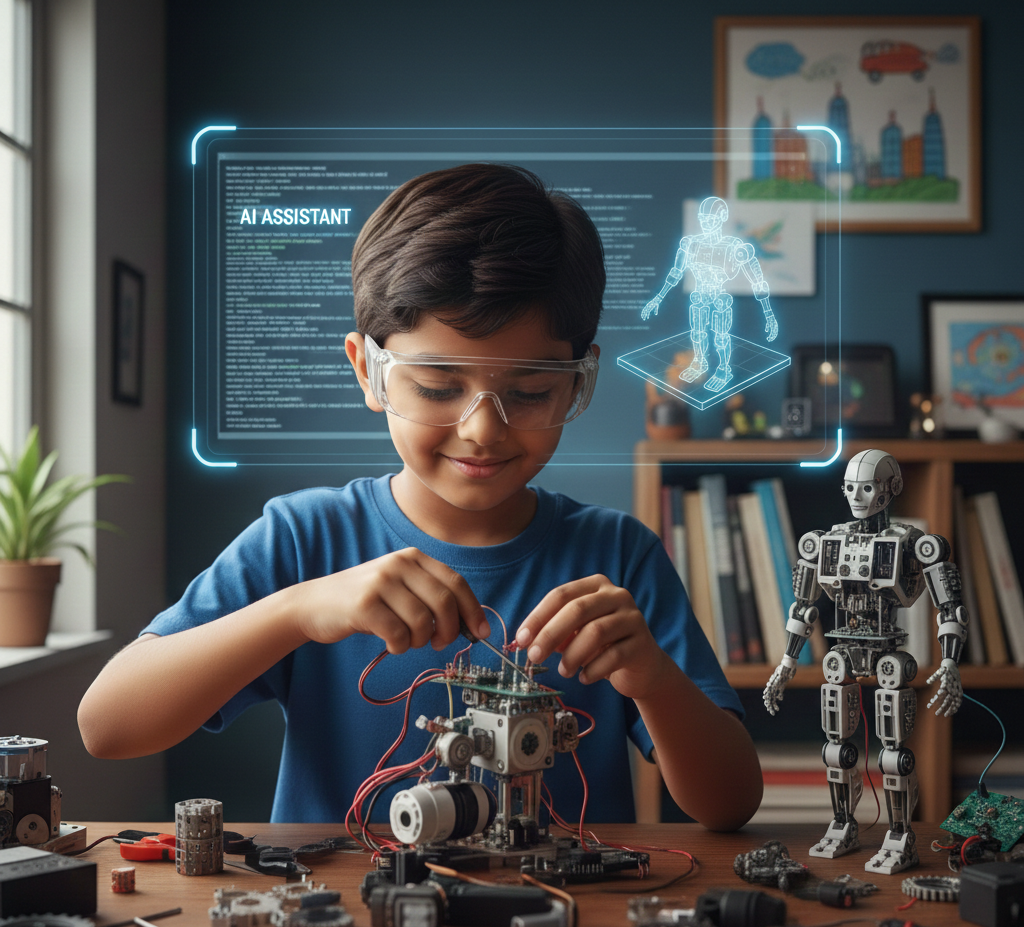
When a child in a beginner programming class builds their first Scratch animation or Blockly game, here what is actually happening underneath.
1. Breaking problems into steps
A computer only does exactly what it's told, in order. To make anything work, a child has to turn a fuzzy idea, "I want my character to jump" into precise, ordered instructions. Outside of coding that same skill shows up when a child reads a multi-step math word problem without panicking.
2. Logical thinking
If this happens, then do that. Coding makes cause-and-effect concrete through loops and conditions used correctly — the same reasoning children lean on in math and science. Outside the classroom, it's the skill a child uses to work out why a plan or an argument doesn't quite add up.
3. Resilience with mistakes
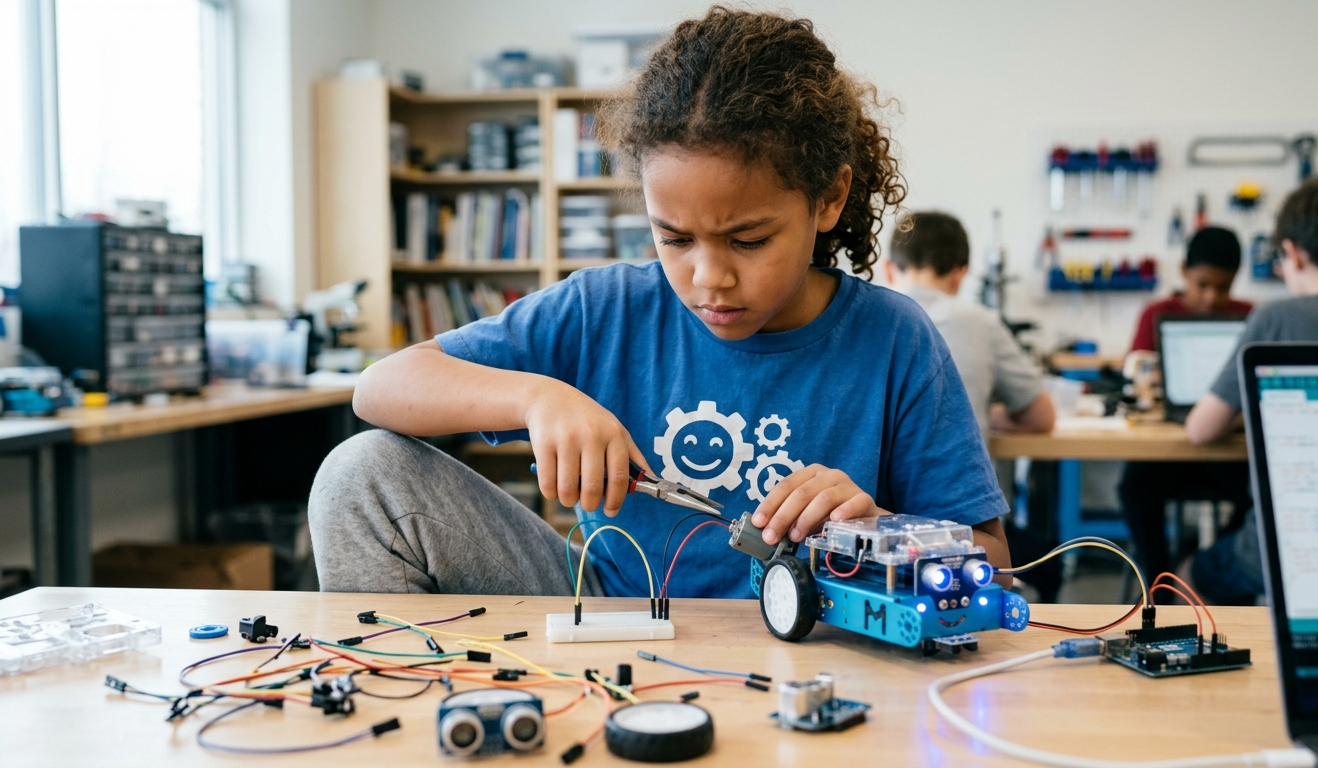
Code almost never works the first try. A child learns a bug isn't failure, it's information and fixing it is just the normal next step. Instructors who teach beginners often notice this is the first place a child's frustration turns into focus instead the moment "this is broken" turns into "let me check what I told it to do." That same habit is what helps a child redo a wrong homework answer instead of giving up on it.
4. Creativity that builds something
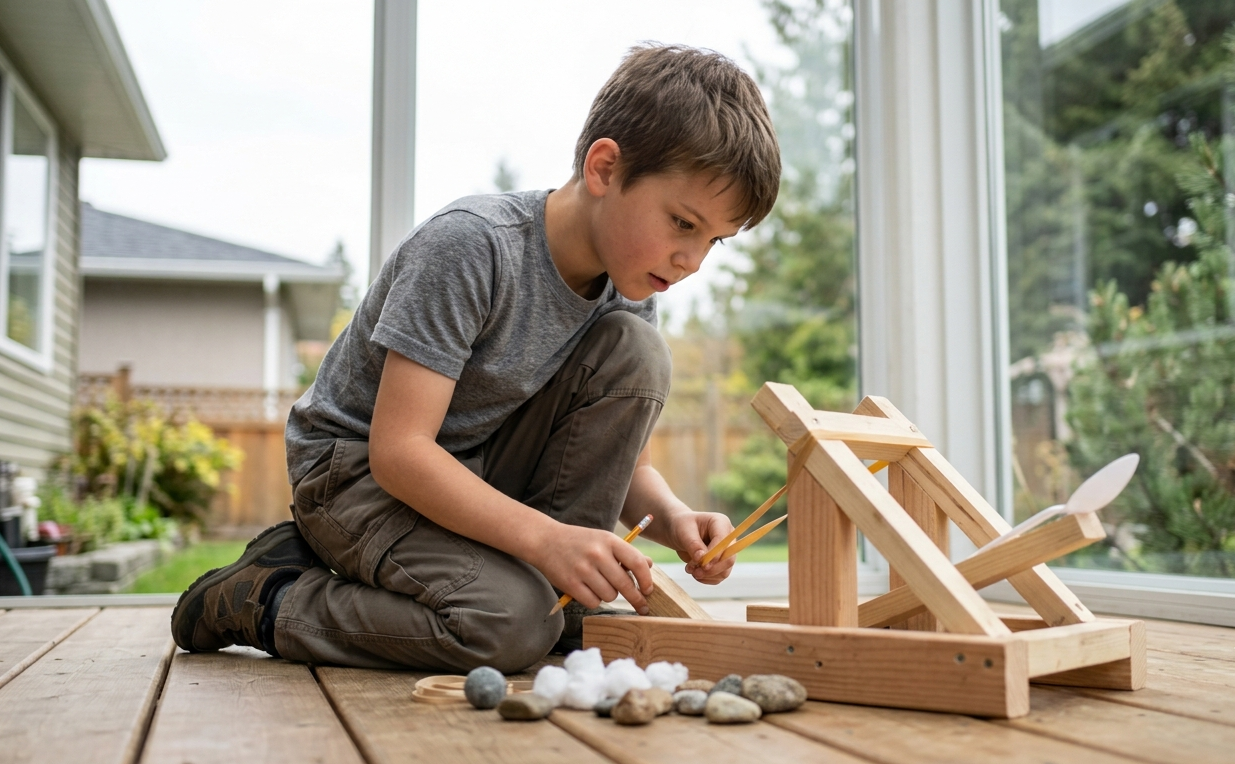
Instead of only watching videos or playing games someone else made, kids design their own story, animation, or game. That same instinct is what leads a child to start a project nobody assigned them, just because they wanted to.
5. Focus and patience
Getting a project to work rewards sustained attention. A child sticking with a tricky bug for twenty minutes is building the same patience they'll need to stay with hard homework instead of quitting.
This is exactly why our Coding for Beginners program is built around loops, conditions, and variables from day one, not just "fun activities" but real logic-building, taught through play.
Does coding help with school and math?
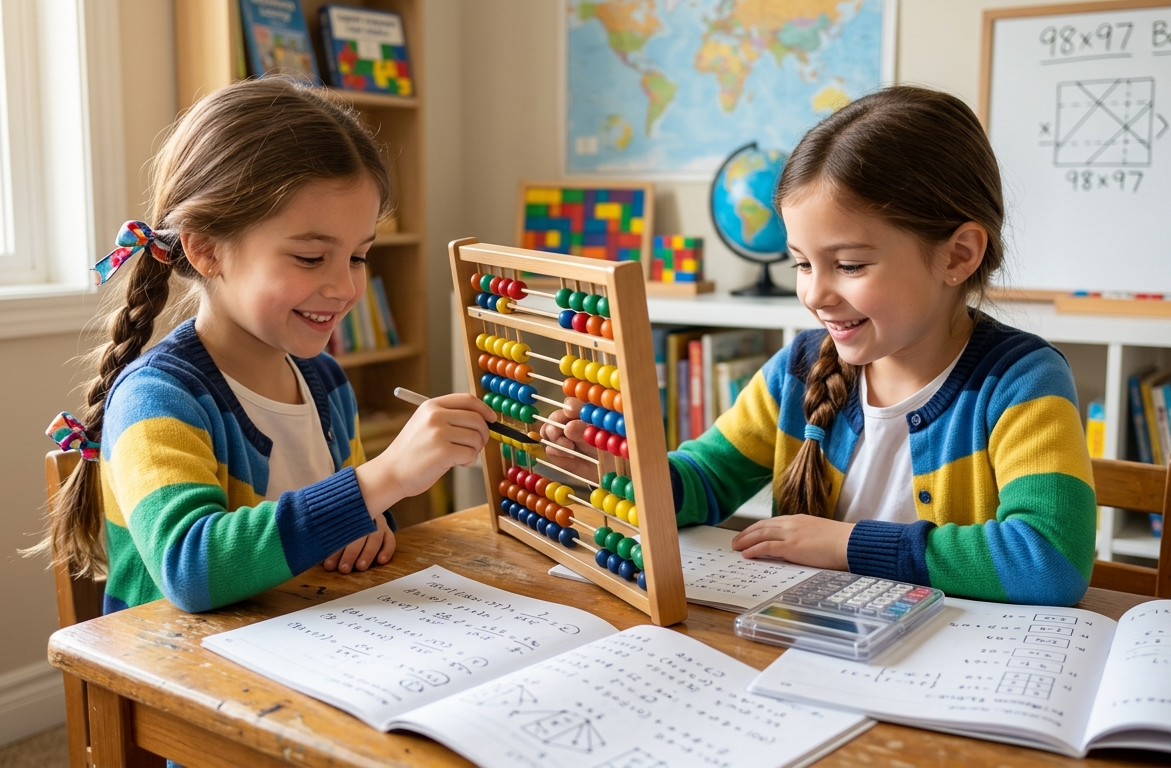
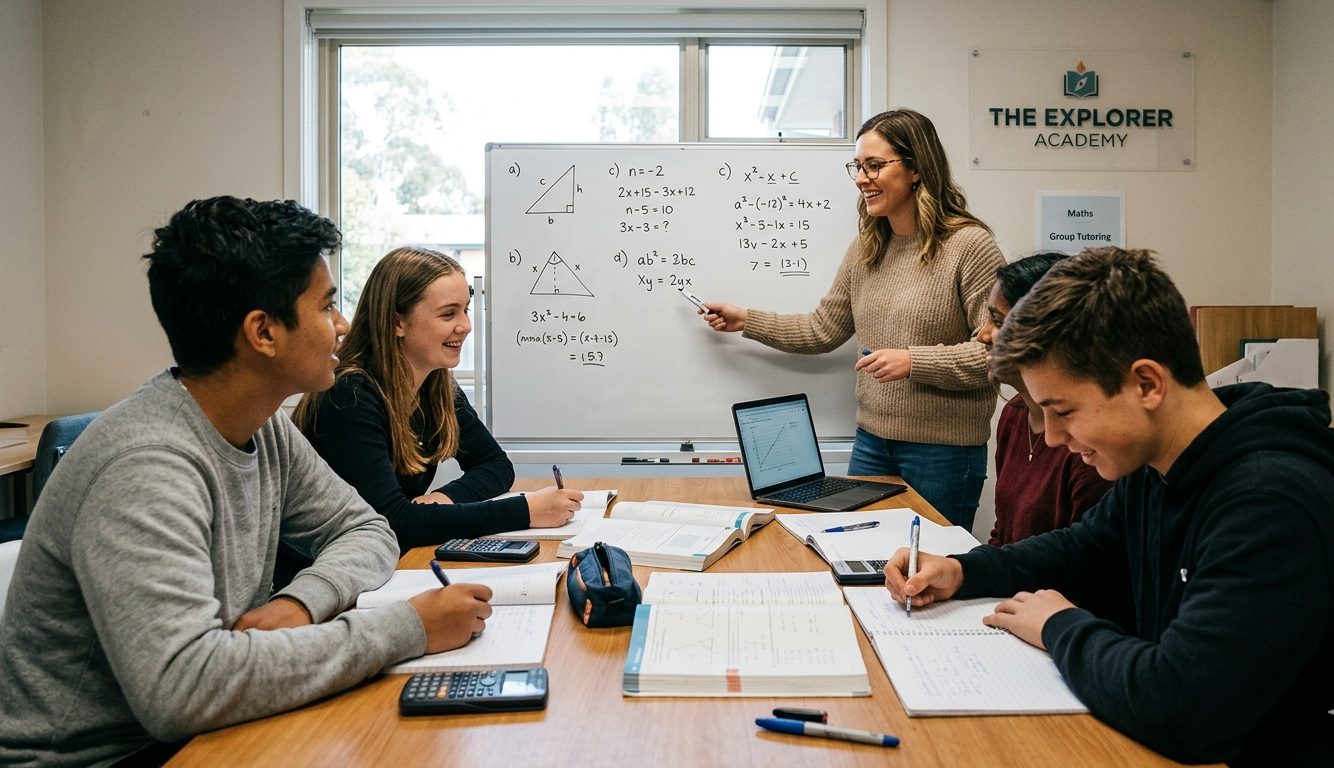
Yes, coding and math rely on the same core skills: patterns, logic, sequencing and precision.
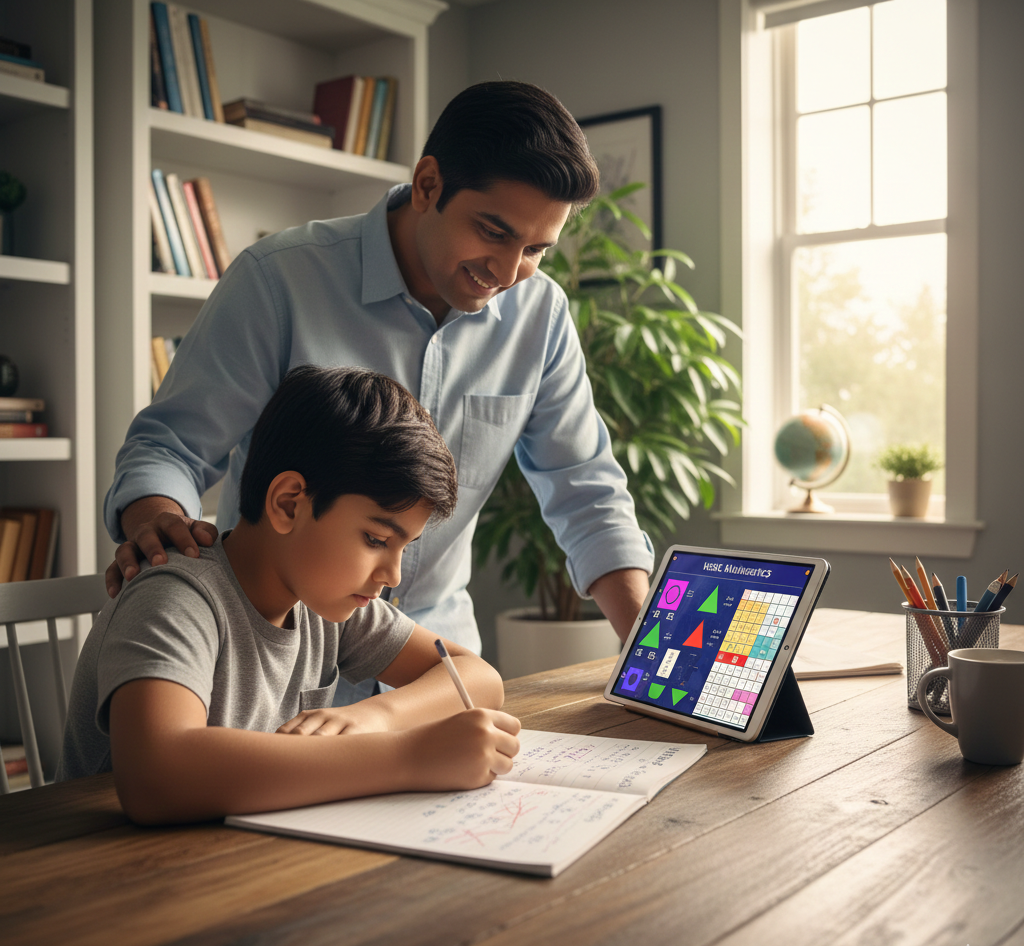
When a child builds a program using coordinates, scoring or repetition, abstract math concepts turn into something they can actually see run on screen and that's often the moment it clicks.
Parents in Delta and Surrey often tell us their child found math "boring" until they started using it to build something. That's not a coincidence, it's why our beginner coding curriculum is designed to reinforce logical and mathematical thinking side by side, not as two separate subjects.
What age should my child start coding?
Kids can start as young as 6 using visual, block-based tools like Scratch and Blockly and typically move to text-based languages like Python around ages 11–13.
Children can start as young as 6 years old using visual, block-based tools, dragging and snapping colourful blocks together instead of typing syntax. This teaches real programming logic through play, with zero prior computer experience required.
Around ages 11–13, most kids are ready to move into a text-based language like Python. That's exactly the pathway our Coding for Beginners program (ages 6–10) is built around: starting with Scratch and Blockly fundamentals, then laying the groundwork for text-based coding later.
The right starting point depends on the child, not just their birthday which is why our instructors match the pace of the 3-month beginner curriculum to how each child is actually progressing, not a fixed script.
Is it just more screen time?
No, not all screen time is equal. Coding is active and creative, closer to writing or drawing than to passive scrolling.
There is a real difference between a child passively scrolling videos and a child actively building a game they designed themselves. Programming for beginners puts the child in control, not the app.
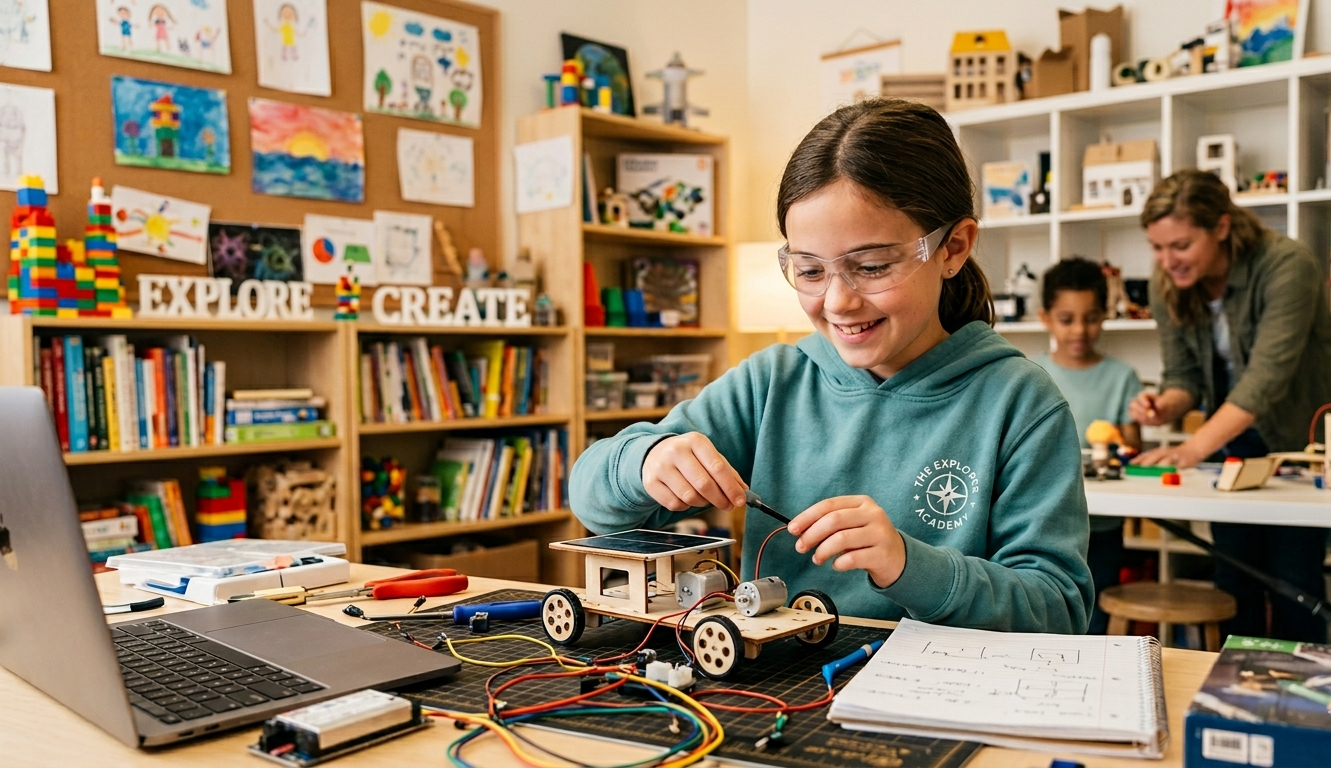
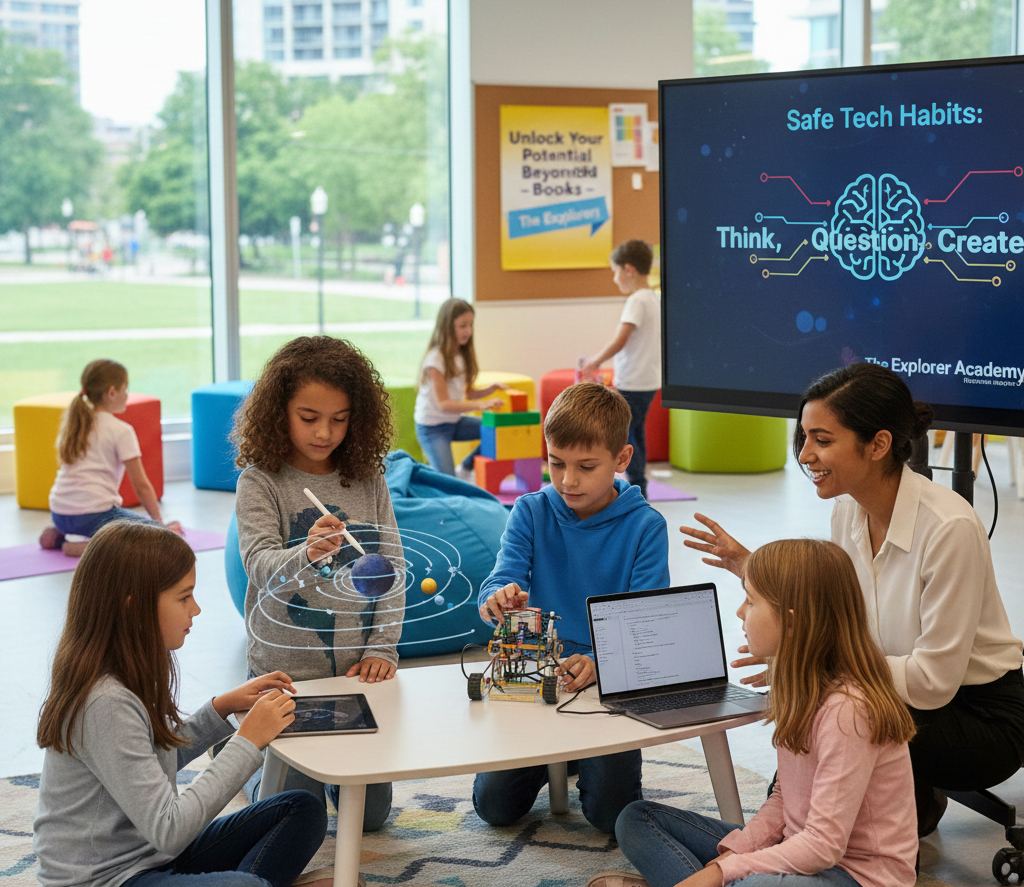
In our in-person coding classes for kids in Delta and Surrey, a live instructor also keeps that time purposeful, guiding the work, asking questions and helping kids past the point where they'd otherwise give up alone.
Coding classes vs. free apps and YouTube tutorials
Free apps can be a fine first spark but they can't notice when a child is confused or push them past the point they'd quit — a live instructor can.
Plenty of free apps promise to teach kids to code on their own. Some are a fine starting point. But an app can't explain why something isn't working, and it can't tell the difference between a child who's stuck and a child who's just clicking through.
Real understanding tends to come from an instructor who watches a child's work, asks the right question at the right moment and helps them fix their own mistakes. The difference between a child who copies steps and one who genuinely understands the logic behind them. That's really the whole idea behind keeping classes small and instructor-led at The Explorer Academy: a child stuck on a bug needs someone who notices they are stuck, not just a "next lesson" button.
What to look for in a coding program
If you are comparing options for coding classes for kids in Surrey or Delta, here's what actually matters:
- Visual-first curriculum for beginners — Scratch and Blockly before any text-based language, so kids build confidence before syntax
- Small class sizes — so instructors can actually notice when a child is stuck (ours are capped at a 1:5 ratio for exactly this reason)
- A clear path to what's next — a beginner program should set kids up for Python or advanced coding later, not be a dead end
- Hands-on projects, not passive lessons — kids should leave every session having built something
- Local, in-person instruction — especially for ages 6–10, where in-person feedback matters more than remote, self-paced tools
About The Explorer Academy's Coding for Beginners program
A 3-month, instructor-led coding program for ages 6–10 using Scratch and Blockly, in 1:5 small classes, with a 30-day trial period.
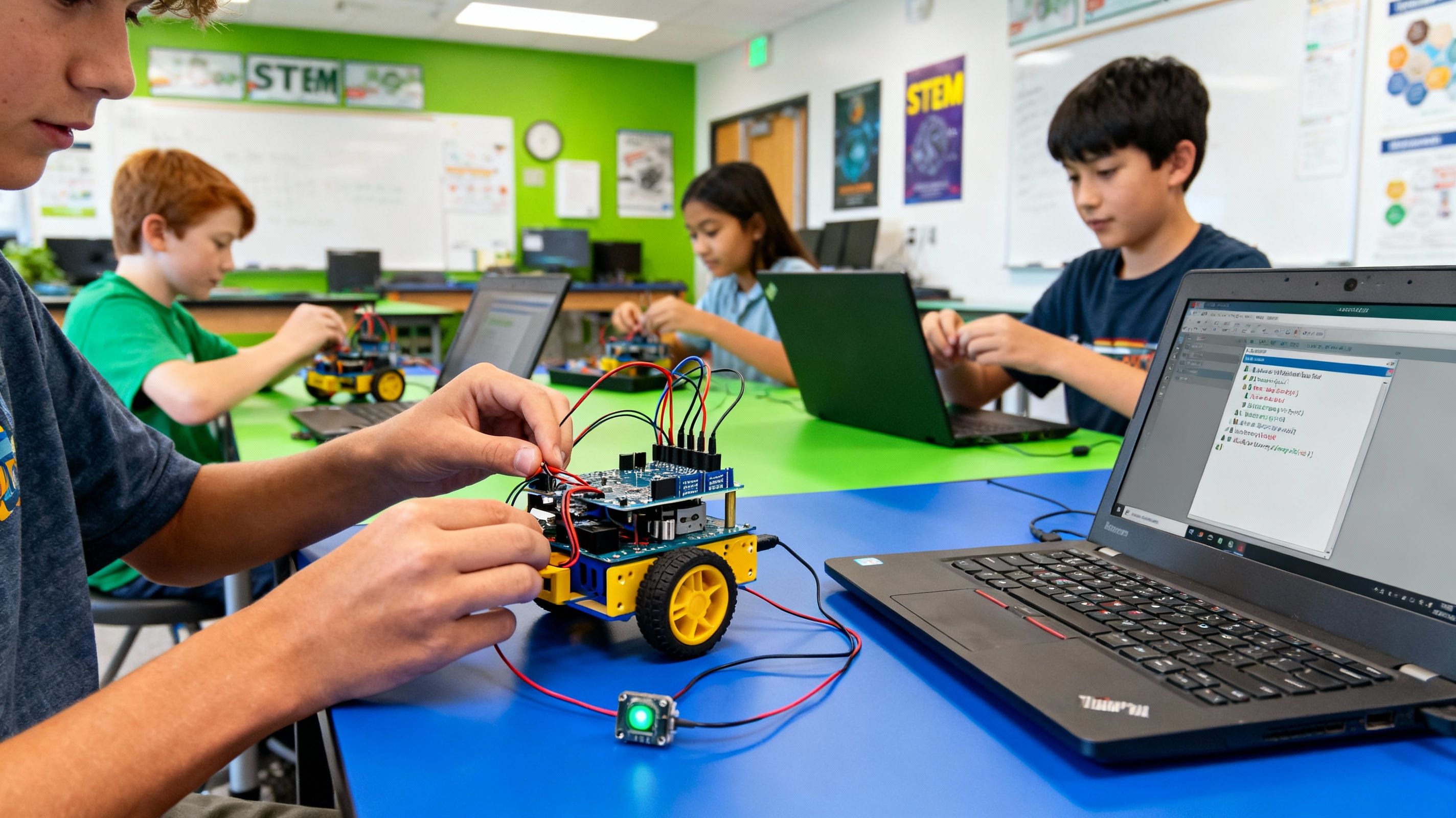
The Explorer Academy is a Delta, BC-based enrichment academy offering STEM, coding, robotics, math and language programs for kids with a focus on hands-on, instructor-led learning rather than passive lessons.
Here's what the program actually includes:
- Age range: 6–10 years old, no prior coding or computer experience required
- Tools used: Scratch and Blockly — visual, drag-and-drop programming
- Core concepts: loops, conditions and variables, taught through building animations, stories, and simple games
- Class size: capped at a 1:5 student-to-instructor ratio
- Duration: a 3-month curriculum
- What's next: lays the groundwork for moving into text-based languages like Python later on
- Trial period: 30 days, so you can see whether your child engages with it before committing further
The bottom line
Coding is good for kids because of what it teaches, not what it builds: logic, patience and the confidence to work through hard problems. But that only happens with the right program — small classes, real instruction, a clear path forward - not just an app or a screen.
The easiest way to know if a program actually delivers that is to see it firsthand rather than take an article's word for it. If you'd like to watch your own child in a class before deciding anything, you can book a free demo class or read more about how the Coding for Beginners program is structured.
About The Explorer Academy
Educator and contributor at The Explorer Academy, dedicated to engaging and enrichment-focused learning for kids.