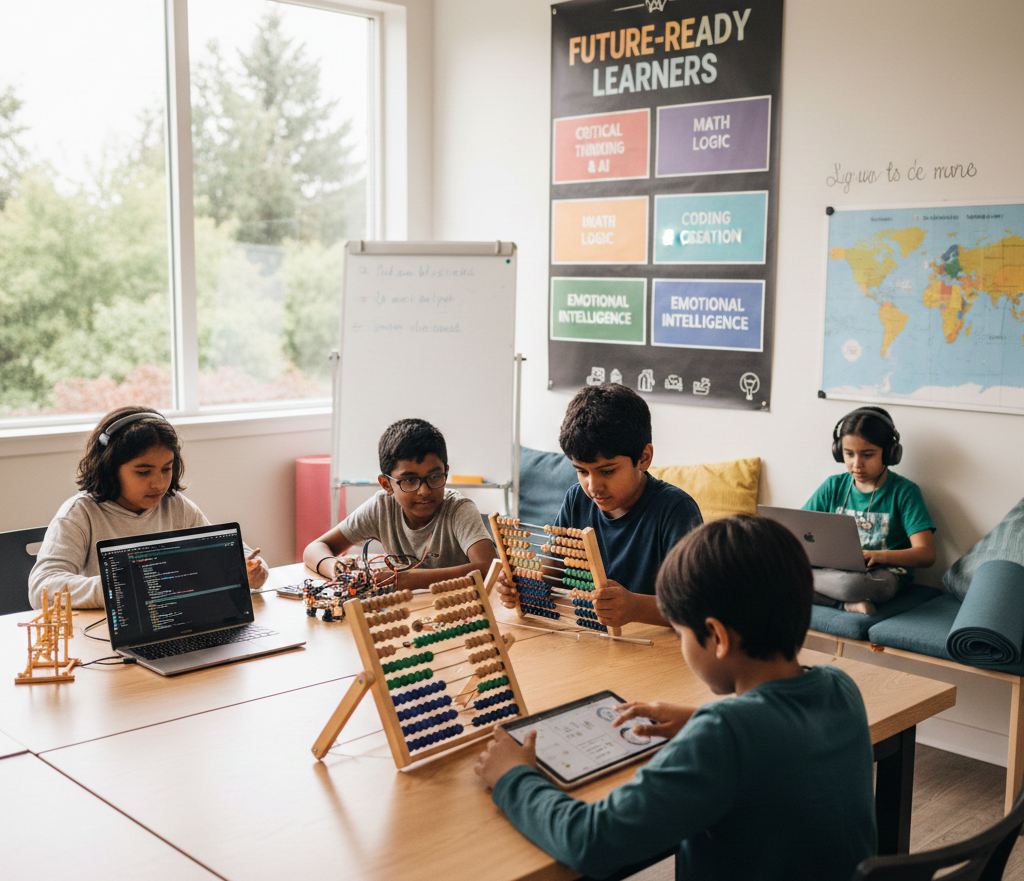
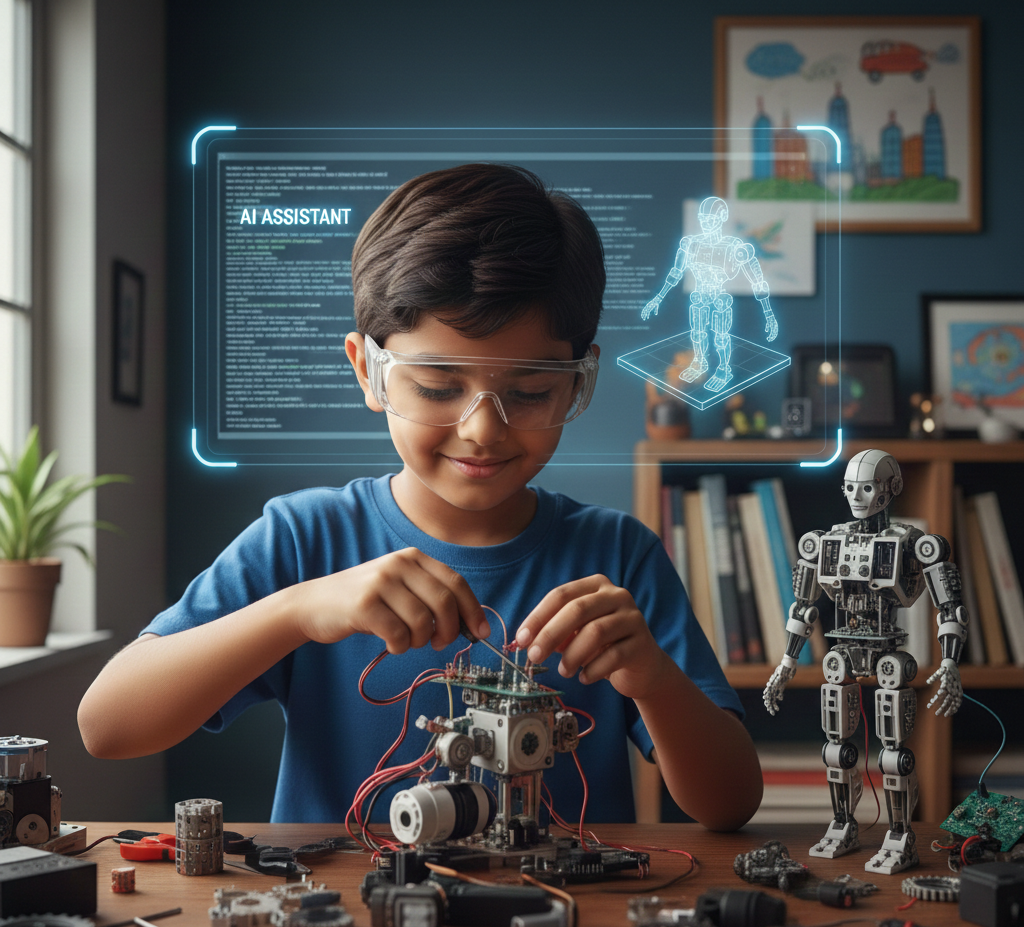
Coding for Kids by Age: What to Teach at 5–7, 8–11 and 12+ (A Parent's Guide)
Every parent asks some version of the same question: is my kid ready for this or am I setting them up to hate it?
It's a fair worry. Sign a 6-year-old up for a class built for teenagers and you will get a bored, overwhelmed kid who "hates coding" after one session. Keep a 12-year-old dragging blocks around a screen designed for kindergartners and you will get the same result just with more eye-rolling first. Age isn't a small detail in coding education. It's the whole ballgame.
Most "learn to code" guides skip right past this. They treat coding like one skill a kid either has or doesn't and hand every age the same roadmap. But what a 6-year-old needs to learn and what a 12-year-old needs to learn are almost entirely different things, different goals, different tools, even a different definition of "success" in a single lesson. Get the age match right and coding classes in Surrey and Delta become one of the few activities kids actually beg to keep doing. Get it wrong and even the best curriculum in the world falls flat.
Here’s break down of exactly what to teach, which tools to use and what to skip at each of the three stages:
- Ages 5–7 — building the "coding brain" before ever touching real code
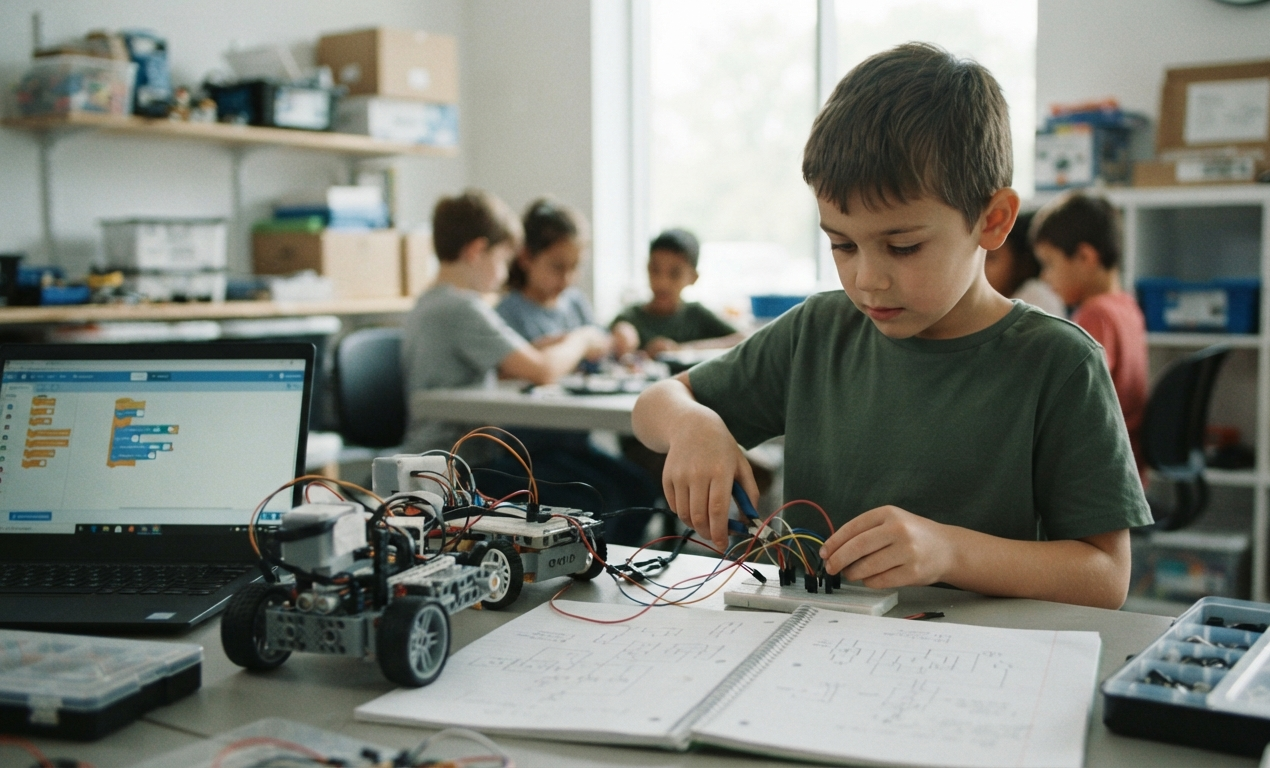
- Ages 8–11 — the sweet spot for visual, drag-and-drop programming
- Ages 12+ — the jump into real, text-based coding languages
Find your child's age group below and start there.
Why Age-Appropriate Coding Actually Matters
Coding isn't really about typing commands — it's about thinking in steps: break a big problem into small ones, test an idea, notice what went wrong and try again. That kind of thinking looks completely different in a 6-year-old than it does in a 12-year-old.
Push a 6-year-old straight into typed syntax and you'll spend the whole lesson fighting spelling and semicolons instead of building logic. Keep a 12-year-old in drag-and-drop blocks for too long and they will get bored before they ever touch a real programming language. Matching the tool to the age is what keeps kids engaged and it's the single biggest factor separating programming for beginners programs that stick from the ones kids quit after a month.
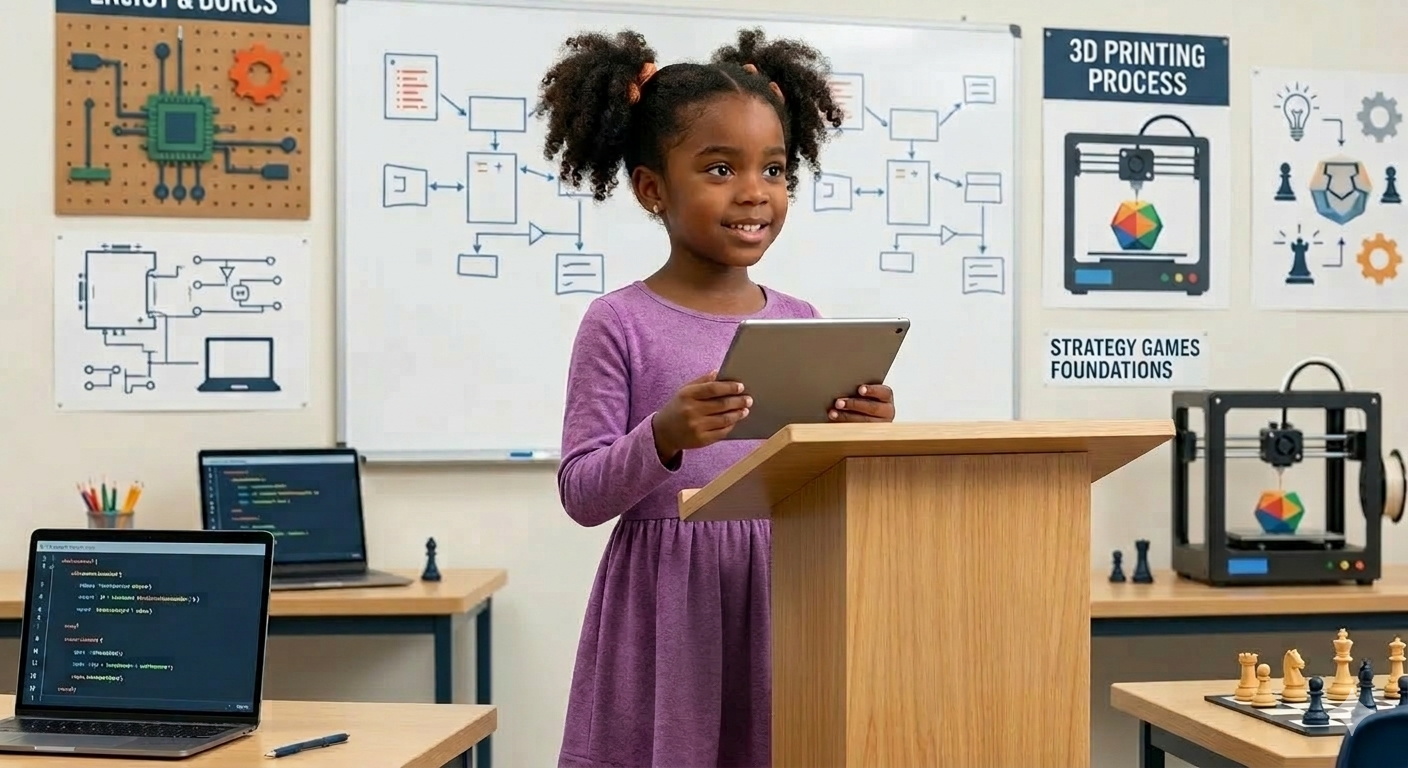
Ages 5–7: Building the "Coding Brain" Before the Computer
At this age, the goal isn't to write code — it's to build the thinking patterns that make code make sense later.
What to teach:
- Sequencing – doing things in the correct order (first, then, next, last)
- Pattern recognition – spotting and repeating patterns (colours, shapes, sounds)
- Cause and effect – understanding that one action leads to a specific result
- Simple problem-solving – trial and error without frustration
Best tools and activities:
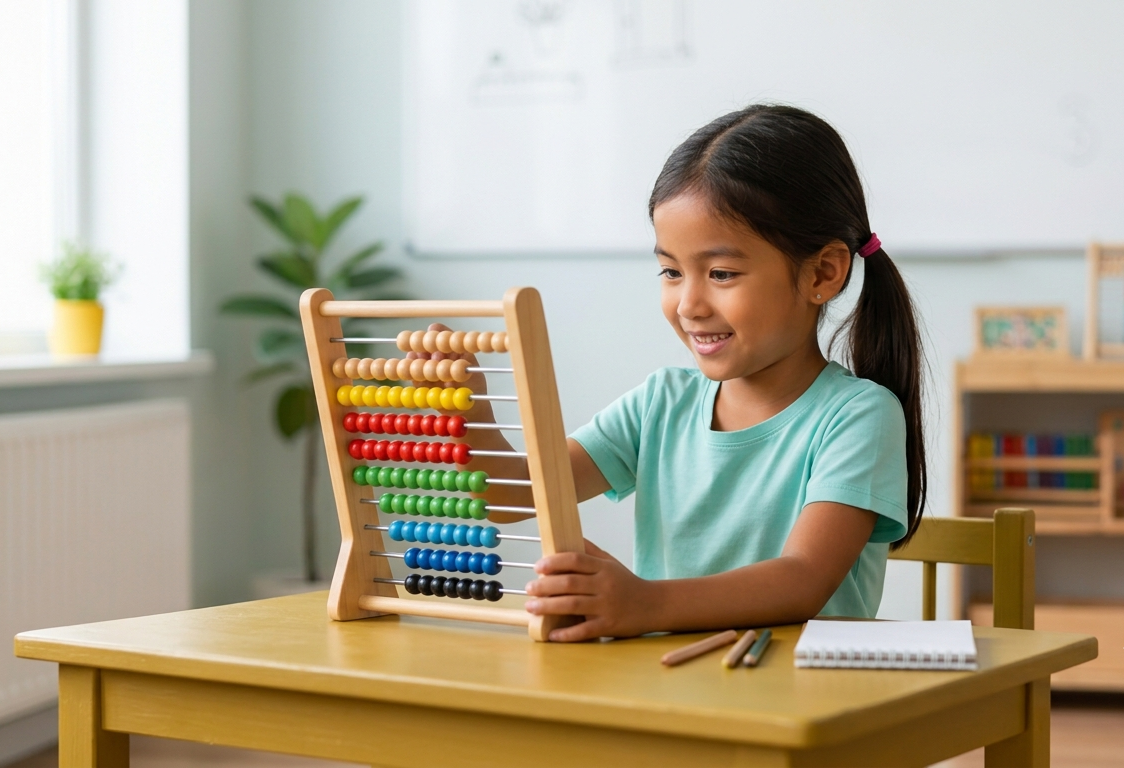
- Unplugged coding games (giving step-by-step directions to a "robot" usually a parent or sibling)
- Screen-free kits like Botley, Cubetto or Code & Go Robot Mouse
- Beginner apps such as ScratchJr or Kodable, designed for pre-readers
- Simple board games and mazes that reward logical sequencing
What to skip: typed code, real programming languages and long unsupervised screen sessions. At 5–7, 15–20 focused minutes is plenty.
Signs your child is ready to move up: they can follow a 3–4 step instruction without help, get excited (not overwhelmed) by a wrong answer and start predicting what will happen before they try it.
Ages 8–11: The Sweet Spot for Visual Programming
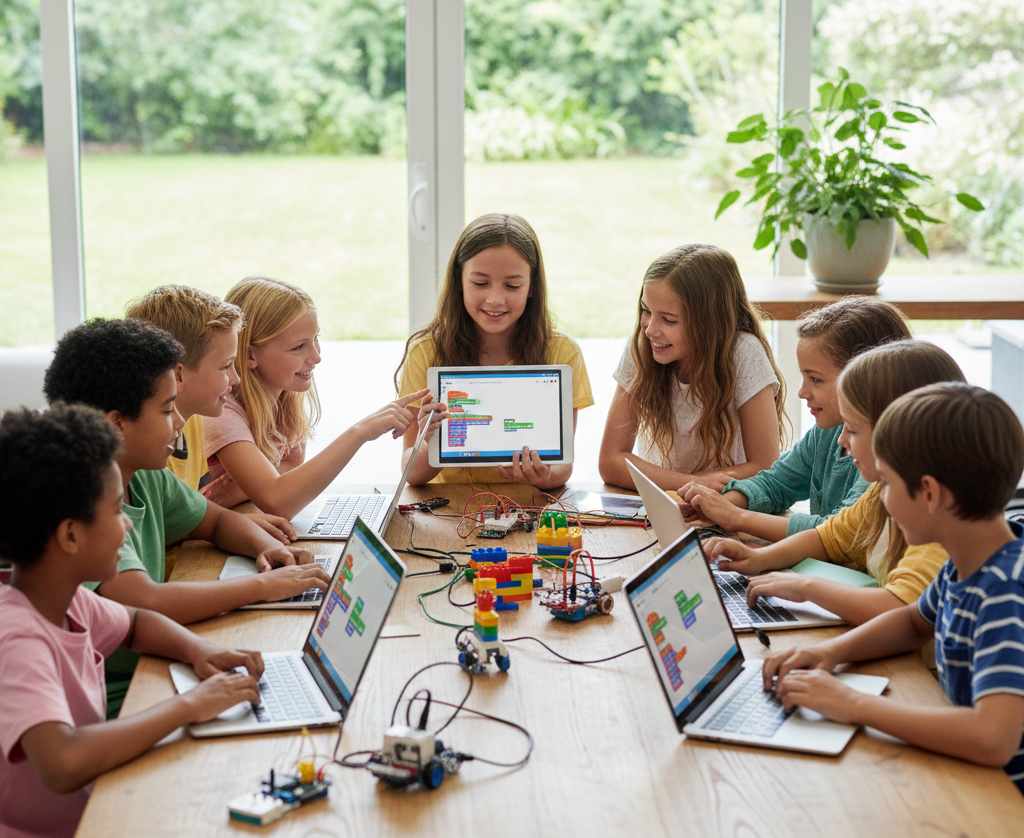
This is where most kids fall in love with coding and it's why coding for kids in Delta almost always centers on this age group. Kids at 8–11 can read well, follow multi-step logic and have the patience to debug a project but typed syntax is still a frustrating barrier rather than a useful skill yet.
What to teach:
- Loops – repeating an action without rewriting it every time
- Conditionals (if/then logic) – making a program respond to different situations
- Variables – storing and reusing information (a score, a name, a position)
- Events and triggers – what happens when a key is pressed or two objects collide
- Debugging – reading an error, isolating the cause, fixing it, and testing again
Best tools and activities:
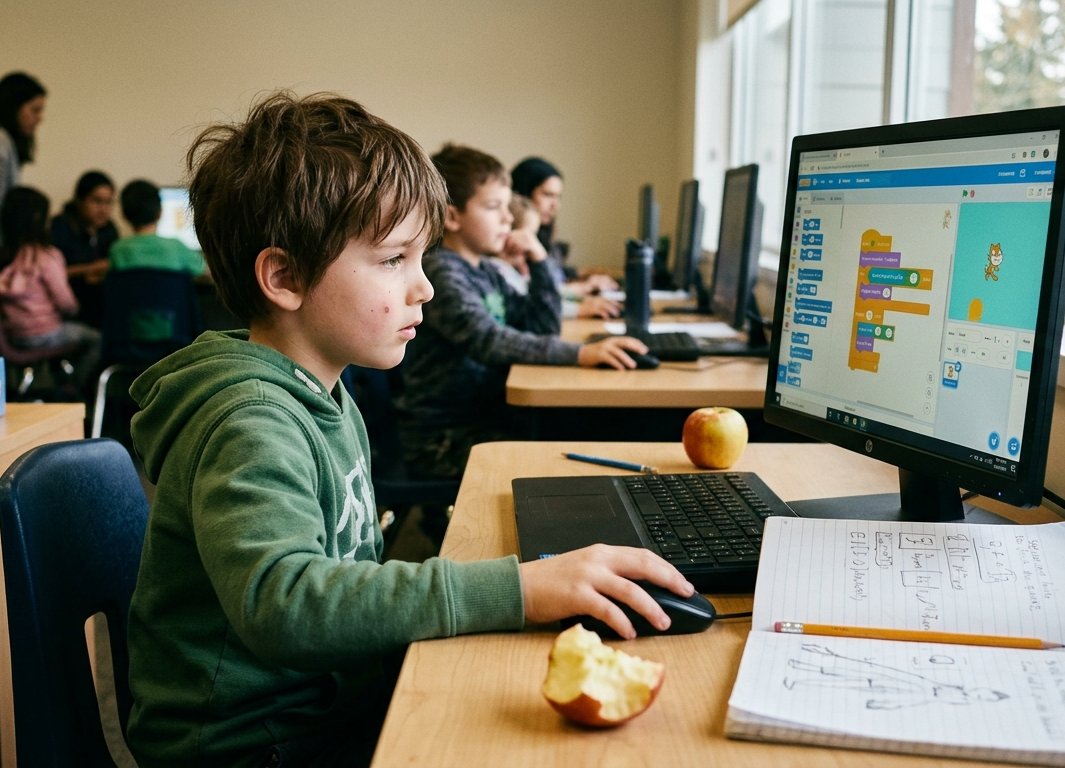
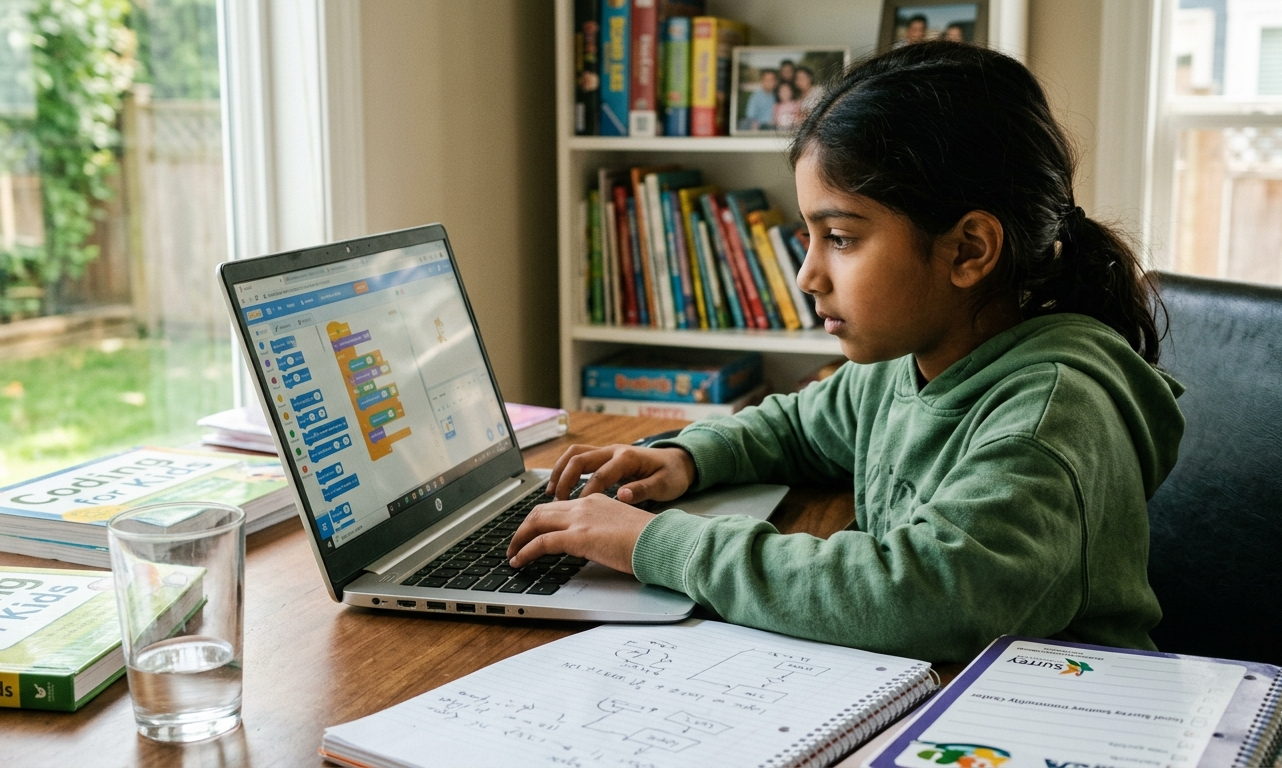
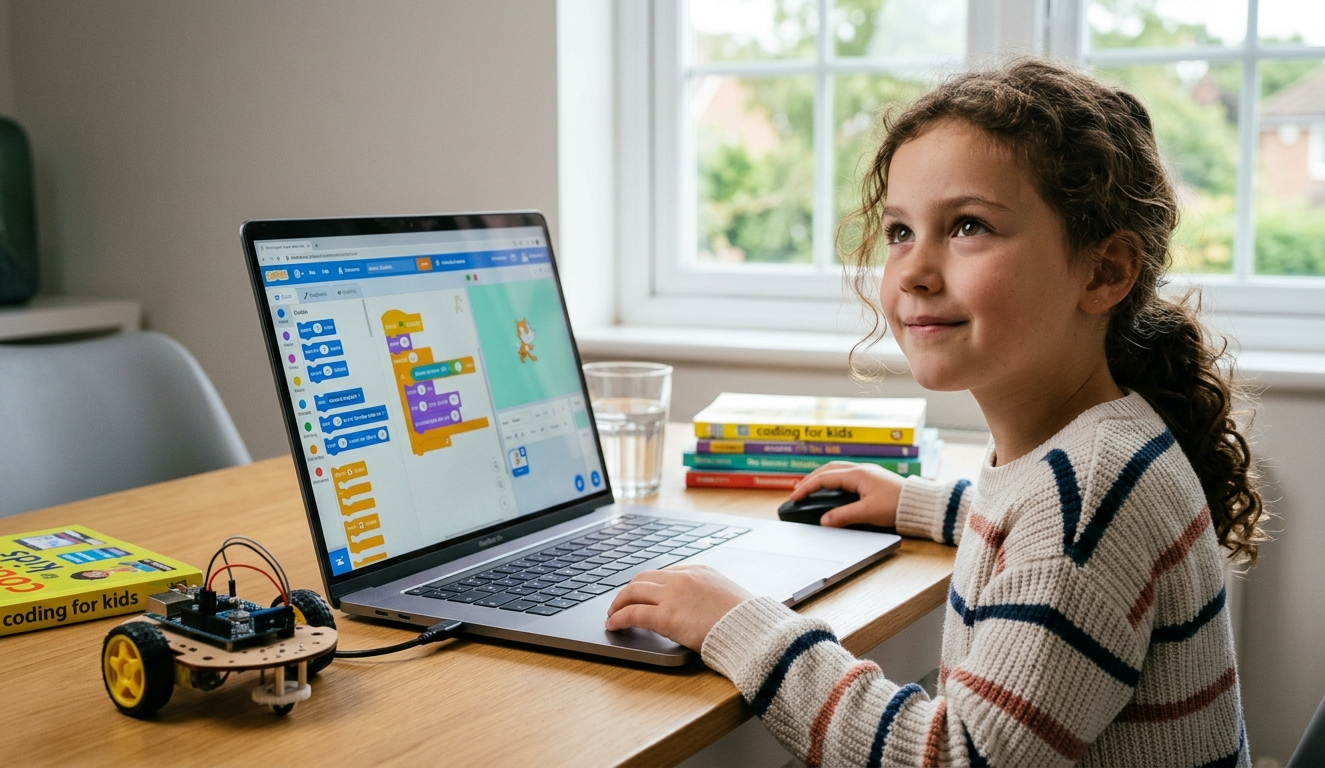
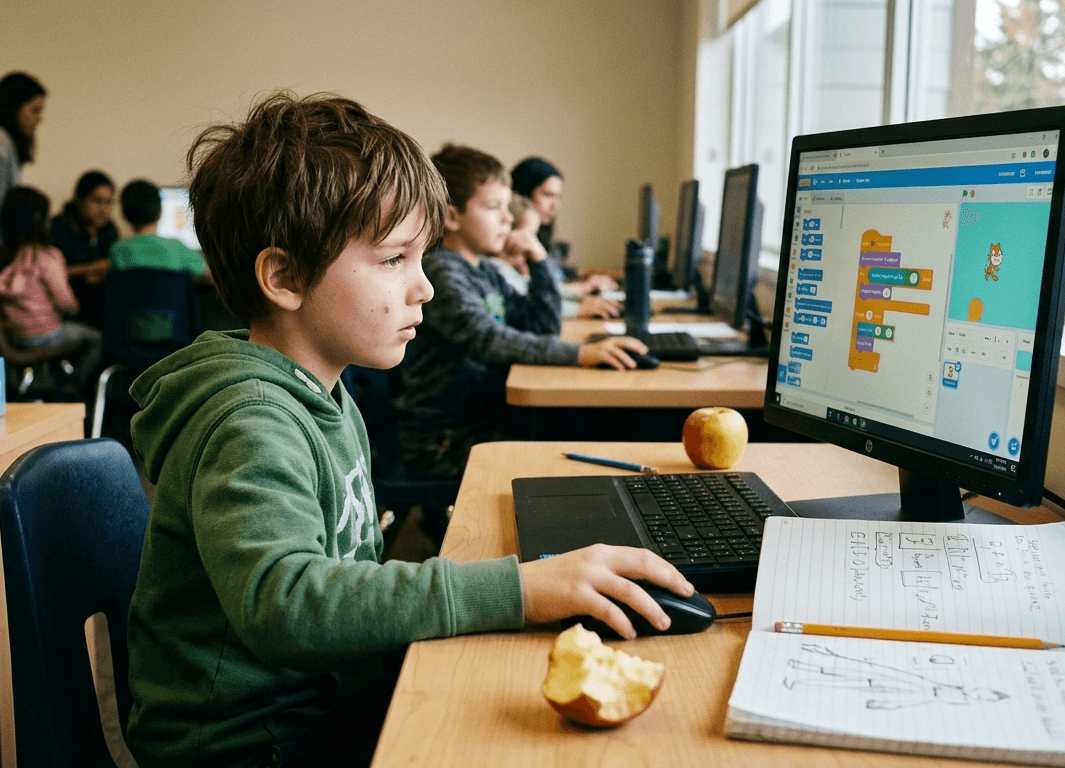
- Scratch – the industry-standard drag-and-drop platform for building games, animations, and interactive stories
- Blockly – block-based coding that bridges naturally into text-based syntax
- Minecraft Education or Roblox Studio for kids who are motivated by building in games they already love
- Project-based mini-challenges: build a maze game, animate a story, or create a simple quiz
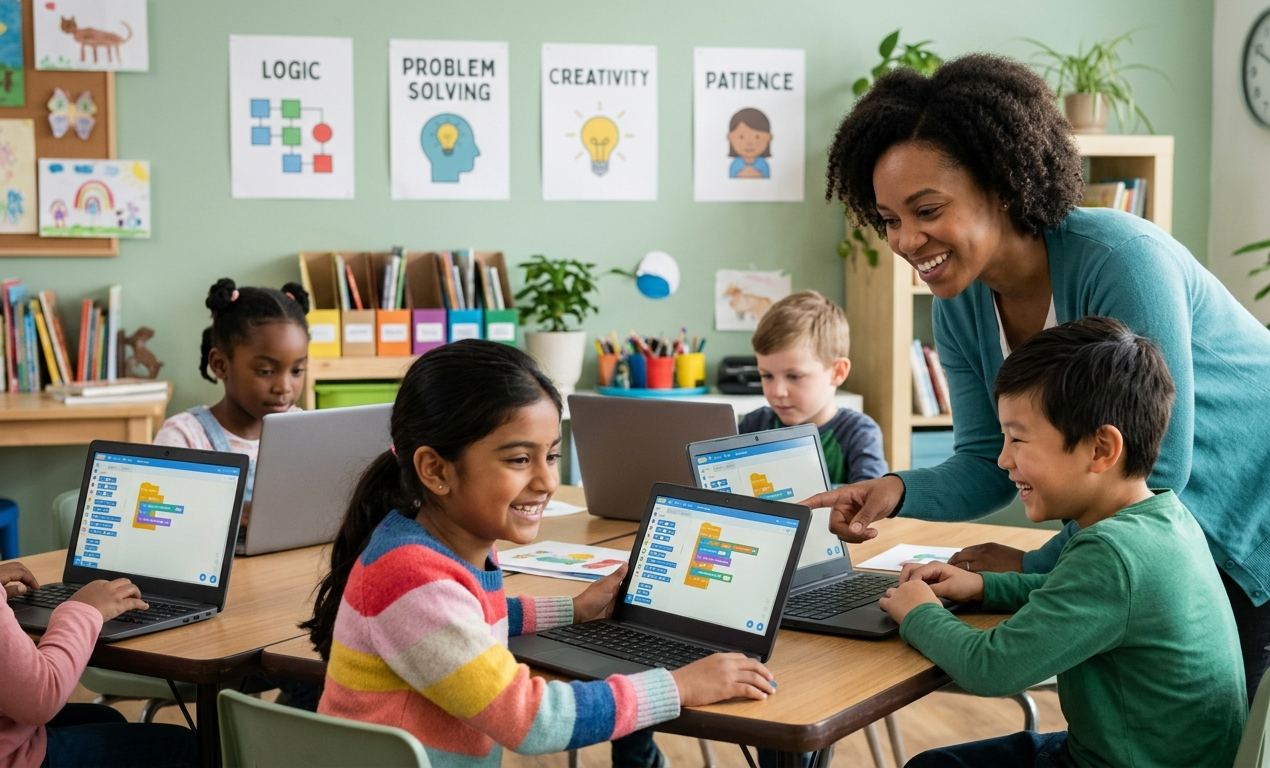
This is also the age where structured classes make the biggest difference. A well-run class introduces concepts in order, gives kids real projects to finish (not just tutorials to follow), and importantly teaches them to enjoy getting stuck, because debugging is the skill. It's no coincidence that most afterschool coding programs in Surrey are built specifically around this 8–11 age band and around Scratch or Blockly as the core platform.
Signs your child is ready to move up: they're building original projects instead of following tutorials, they're curious about "what the code behind this actually looks like," and blocks start to feel limiting rather than helpful.
Ages 12+: From Blocks to Real Code
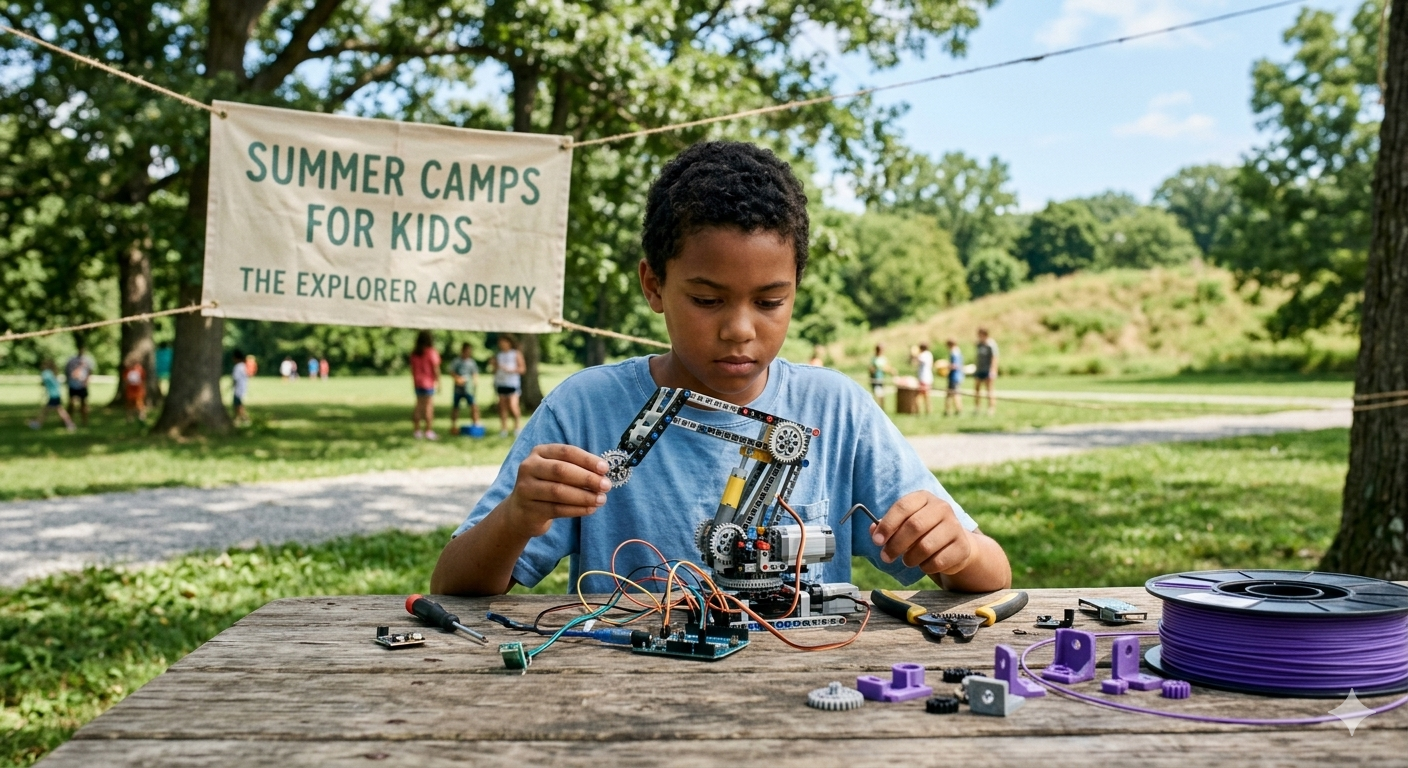
By 12, many kids are ready to transition from visual blocks into actual typed programming languages — the same tools used by professional developers.
What to teach:
- Python – widely considered the best first text-based language: readable syntax, huge community, useful for everything from automation to data science
- JavaScript / HTML / CSS – ideal for kids interested in building websites or web apps
- Core computer science concepts – functions, loops, arrays/lists, basic data structures
- Version control basics – an early introduction to tools like GitHub, useful once kids start building bigger projects
- App or game development – frameworks like Pygame (Python) or simple app-builder tools
Best tools and activities:
- Python via beginner-friendly environments like Replit or Thonny
- Web development projects — building and publishing a real personal website
- Game development with Pygame, Godot, or Scratch-to-Python transition courses
- Competitive or collaborative platforms (coding clubs, hackathons, robotics with real code)
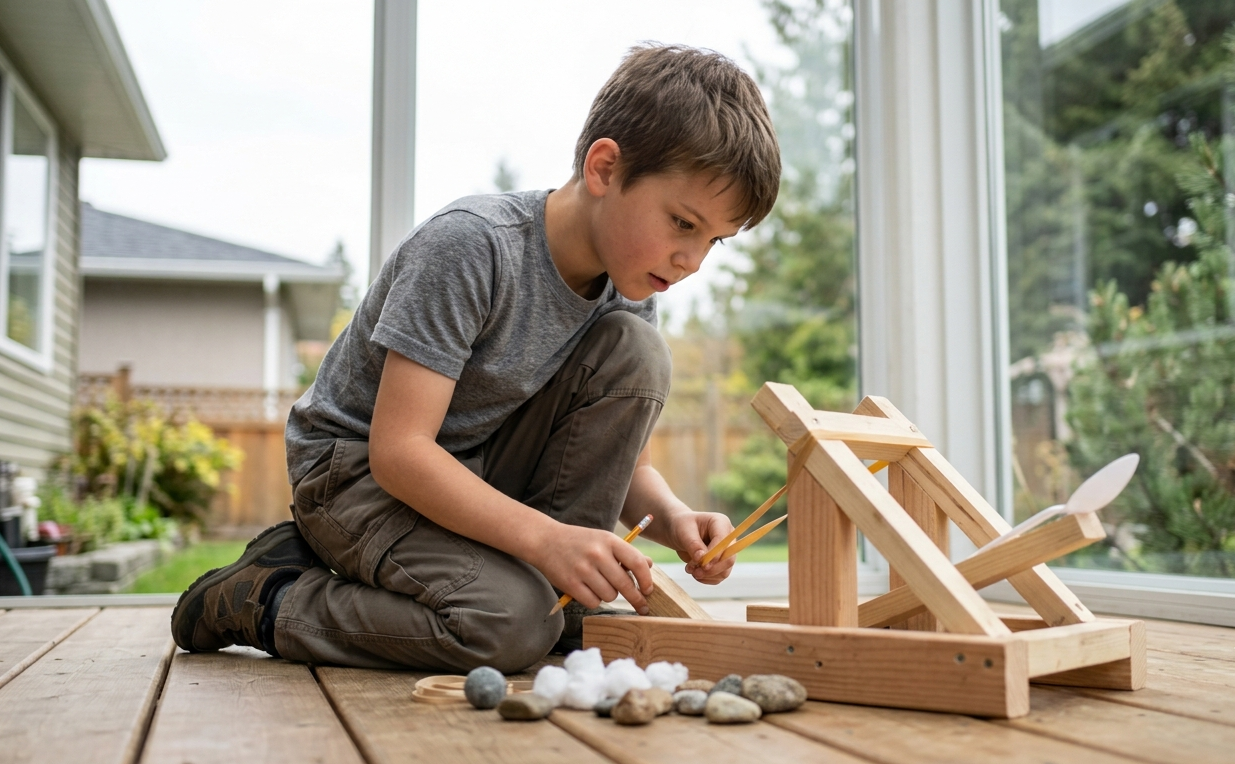
What changes at this age: kids can handle real errors and real documentation. Instead of "here's exactly what to click," good coding education at 12+ starts asking, "here's the goal — figure out how to get there," which mirrors how programmers actually work.
Coding for Kids by Age, at a Glance
If you only remember three things from this guide, make it these:
At ages 5–7, the focus is sequencing, pattern recognition and cause and effect thinking built through unplugged games, screen-free kits like Cubetto and simple apps like ScratchJr. Keep sessions short, around 15–20 minutes.
At ages 8–11, kids are ready for loops, conditionals, variables and real debugging taught through Scratch, Blockly and tools like Minecraft Education. This is where most kids can sustain focused, project-based sessions of 45–60 minutes.
At ages 12+, it's time for real syntax: functions, data structures, and full programming languages like Python or JavaScript, often through Pygame or web-development projects. Sessions can stretch to 60–90 minutes as attention spans and problem-solving stamina grow.
How to Choose the Right Coding Class for Your Child?
Once you know what your child should be learning at their age, the next step is finding a class that actually teaches it that way. A few things worth checking before you enroll:
- Does the curriculum match your child's age band or is it a generic "one course fits all ages" program?
- Is it project-based? Kids should finish each block of lessons with something they built, not just a certificate of attendance.
- Class size and instructor experience — small groups with instructors trained to work with kids (not just coders) make a real difference at this age.
- Consistency — a once-a-week drop-in is fine for exploration but real skill-building usually needs a structured, multi-week format.
For families searching for coding classes for kids in Surrey and Delta, this is exactly the gap most parents run into: plenty of generic online courses, but far fewer local programs built specifically around age-appropriate, project-based learning with real instructors in the room.
That's the space The Explorer Academy's Coding for Beginners program is built for. Designed for ages 6–10, it uses Scratch and Blockly to teach loops, conditions and variables through hands-on games, animations, and mini-projects structured sessions twice a week, with instructors who specialize in teaching young learners rather than adults. It's a natural fit for families looking for afterschool coding programs in Delta or Surrey that go beyond a single workshop and actually build skills over a full term.
About The Explorer Academy
Educator and contributor at The Explorer Academy, dedicated to engaging and enrichment-focused learning for kids.